01
Count
Count your bricks
Tap + for each brick size you have, or fill in a sample pile.
Free · No sign-up · Created by Yathin Pedamallu
Tell it your bricks. Get things to build.
01
Count
Tap + for each brick size you have, or fill in a sample pile.
02
Find
See what you can build now, and what you're only a few bricks away from.
03
Build
One layer at a time, with the new bricks lit up in the picture.
Sizes are in studs. Colors don't matter, just sizes.
My bricks 0 bricks
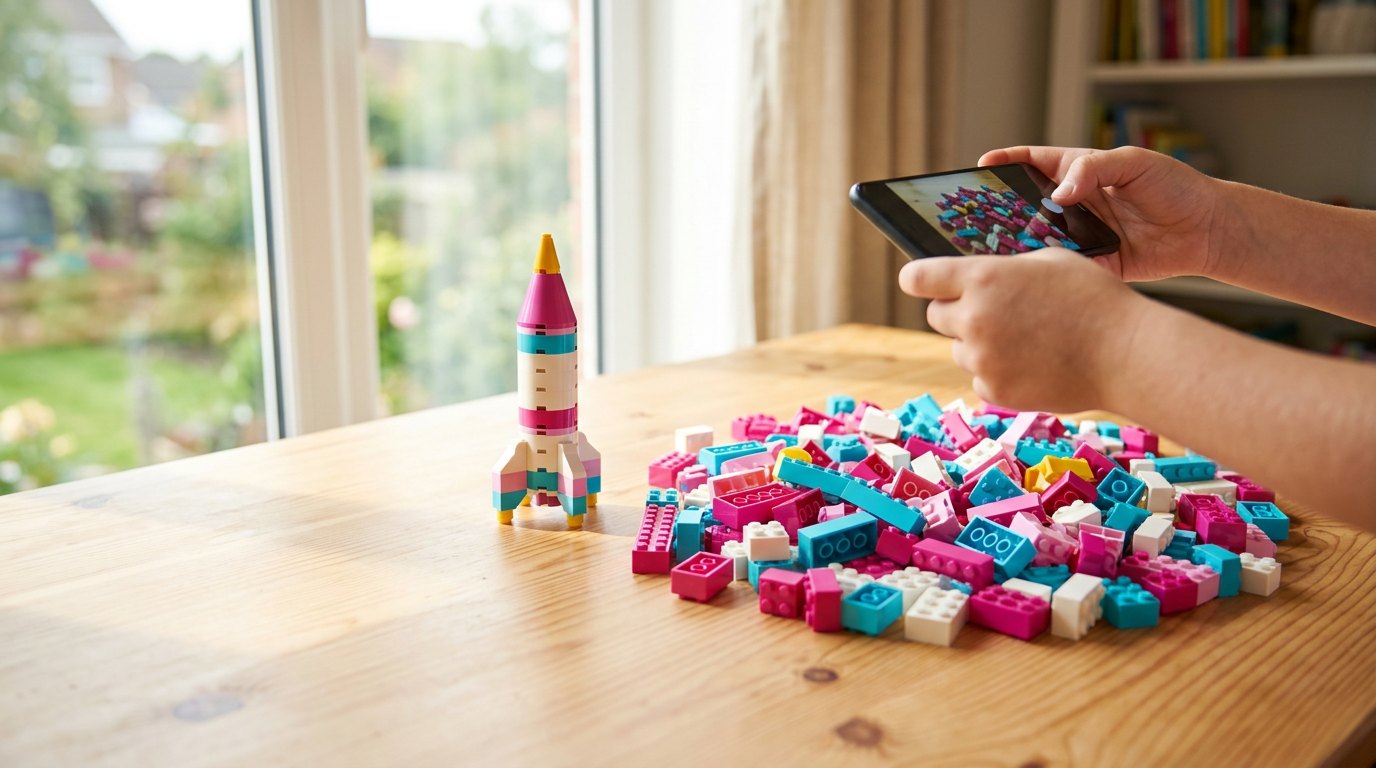
Tell Gemini what to build, or send a photo of your bricks or of something to copy. Keep chatting to change the design.
Gemini designs from the bricks in your picker. No bricks counted? It uses a big sample pile. Photos go to Google Gemini only to answer you, and your key stays on this device.